
Hood Warfare 2 System Requirements: Can Your PC Run It?
Compare Hood Warfare 2 minimum and recommended PC specifications from Steam, including graphics cards, Windows, DirectX and storage.
FAQ
How much RAM does Hood Warfare 2 need?
How much storage does Hood Warfare 2 need?
Does meeting the minimum guarantee 60 FPS?
What are the official PC requirements?
The table below follows the Hood Warfare 2 Steam store, checked on October 16, 2026. Both columns require a 64-bit processor and operating system, DirectX 12, broadband internet and a DirectX-compatible sound device.
| Component | Minimum | Recommended |
|---|---|---|
| Operating system | Windows 10 64-bit, version 1909 or newer | Windows 11 64-bit |
| Processor | Intel Core i5-9600K or AMD Ryzen 5 3600, 6 cores | Intel Core i5-12600K or AMD Ryzen 5 7600 |
| Memory | 8 GB RAM | 16 GB RAM |
| Graphics | NVIDIA GeForce GTX 1660 or AMD Radeon RX 5600 XT 6 GB | NVIDIA GeForce RTX 3060 Ti or RTX 4060 8 GB |
| DirectX | Version 12 | Version 12 |
| Available storage | 25 GB | 30 GB |
| Network | Broadband internet connection | Broadband internet connection |
| Sound | DirectX compatible | DirectX compatible |
These are developer-published requirements, not our test results. The recommended GPU column lists two NVIDIA examples; an AMD equivalent has not been added here by guesswork.

Official trailer / Trapstar Games, 1:18, via the Steam store. Promotional visuals are not a benchmark for the minimum specification.
How should you compare your computer?
Check the exact component model, not only the brand or a broad label such as “gaming laptop.” Laptop and desktop products can have similar names while differing in performance. Record your Windows version, CPU, GPU, RAM and free drive space before comparing the table.
If one component falls below the listed minimum, that is a reason for caution rather than a situation where this guide can promise a settings fix. The game uses Unreal Engine 5, but the engine name alone is not a benchmark for your particular hardware.
Is 25 GB the download size?
No. Steam describes available storage, which means space on the drive. It does not establish the size of the current compressed download. The recommended 30 GB is also a separate requirement, not proof that every installation is exactly that size.
Check Steam’s installation and update information for the build you are downloading. Avoid filling the drive to its limit immediately before an update.
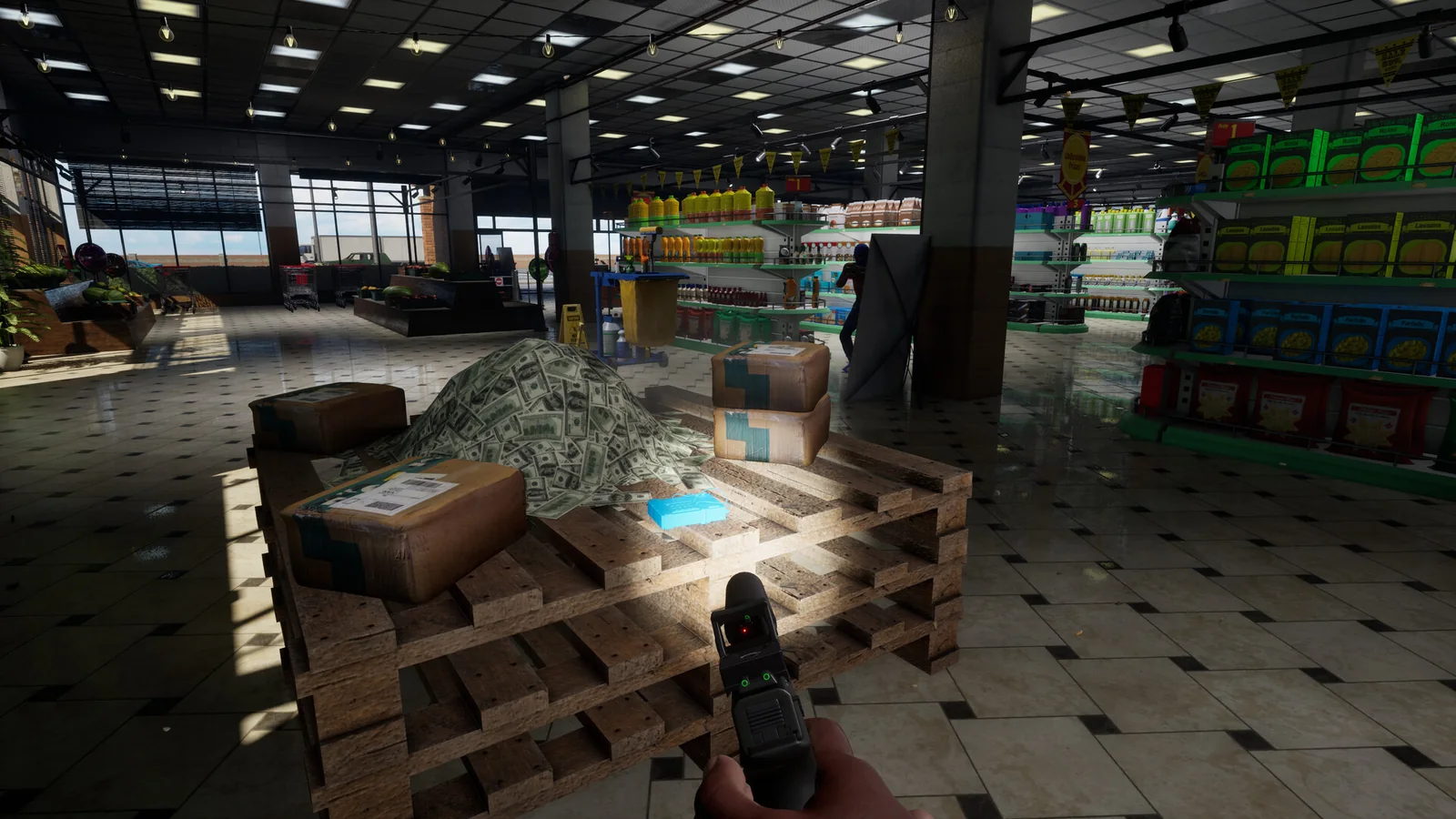
Official Steam screenshot / Trapstar Games. Illustrative game scene; it provides no measurement of installation size or performance.
What about FPS, Steam Deck, Mac or Linux?
The checked requirements do not specify a resolution, preset or guaranteed frame rate. We have not measured a low-end settings preset or Steam Deck performance, so a claim such as “minimum specs equals 60 FPS” would go beyond the evidence.
The Steam platform data lists Windows and no native Mac or Linux edition. See the platform guide for the distinction between release support and unofficial compatibility methods.
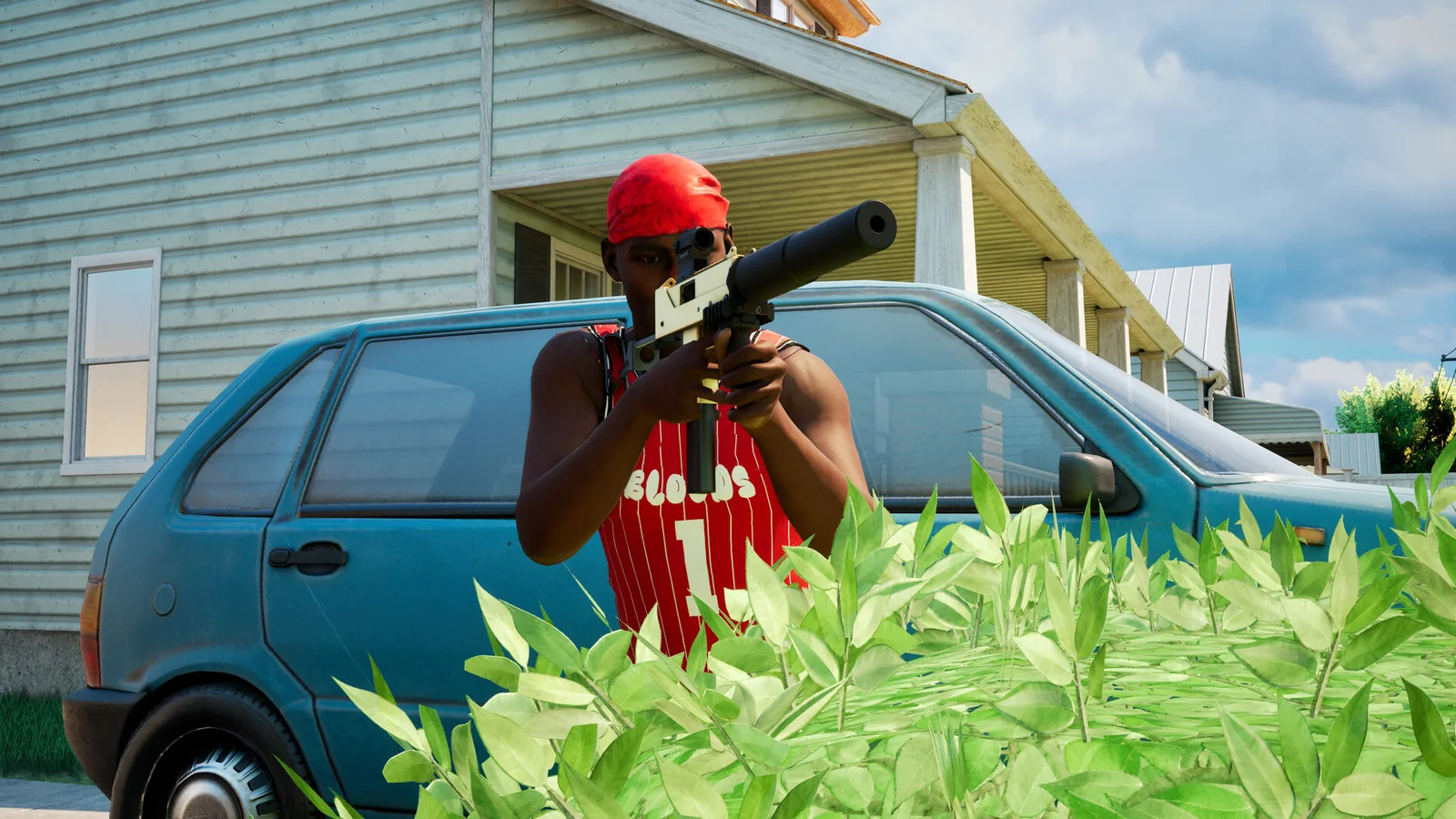
Official Steam screenshot / Trapstar Games. Compare your hardware with the published table; no FPS figure is inferred from this scene.
What if the game runs but something is wrong?
Separate a performance complaint from an audio or joining issue. The developer’s documented fixes include selecting an audio output device for missing sound, as well as updates addressing false anti-cheat kicks and joining failures. None of those is evidence that a below-spec graphics card can be fixed by changing a voice setting.
Check controls and voice chat before your first online session. Once the machine and input setup are ready, use the beginner guide for a small practice plan rather than testing every setting during a public match.
Related Articles
guides
Hood Warfare 2 Graphics Settings: FPS and Clarity (2026)
Find Hood Warfare 2 graphics settings, the FPS counter, resolution scale and display confirmation. Use the illustrated menu guide to compare changes on your PC.
guides
Hood Warfare 2 Controls: Voice Chat, T Key & Controllers
Find the confirmed Hood Warfare 2 push-to-talk key, team and lobby voice options, PC controller support and sensible input checks.
guides
Hood Warfare 2 Platforms: PS5, Xbox & Crossplay Status
Check the confirmed Hood Warfare 2 Windows release, controller support and the current evidence for PS5, Xbox and crossplay availability.
Was this helpful?
Thanks for the feedback!