
Hood Warfare 2 Beginner Guide: Tips for Your First Match
Start Hood Warfare 2 with a bot practice plan, the right mode objective, sensible loadout checks and the confirmed voice-chat key.
FAQ
Can I learn against bots?
What should I unlock first?
How do I talk to my team?
What should you do before your first match?
Start with one practice goal: learn a route, understand a scoring rule or check a weapon setup. Trying to solve all three during a public match makes it harder to tell why a fight went wrong. The plan below is editorial practice advice built around features confirmed by the official Steam listing; it is not a claim that we have tested a fastest-leveling strategy.
First, let Steam finish updating the game. The developer’s private-match and audio update tells players to check the version in the menu and fully exit Steam if an update is missing. If you have no sound, select an audio output device in settings. Sort out that problem before you try to learn enemy positions by listening.
Learn one route against bots
The game supports custom matches with your choice of map, mode and match settings, and bots can fill the teams. Use that space to repeat one short route. Notice where cover ends, where you enter an interior and where you can retreat after firing.
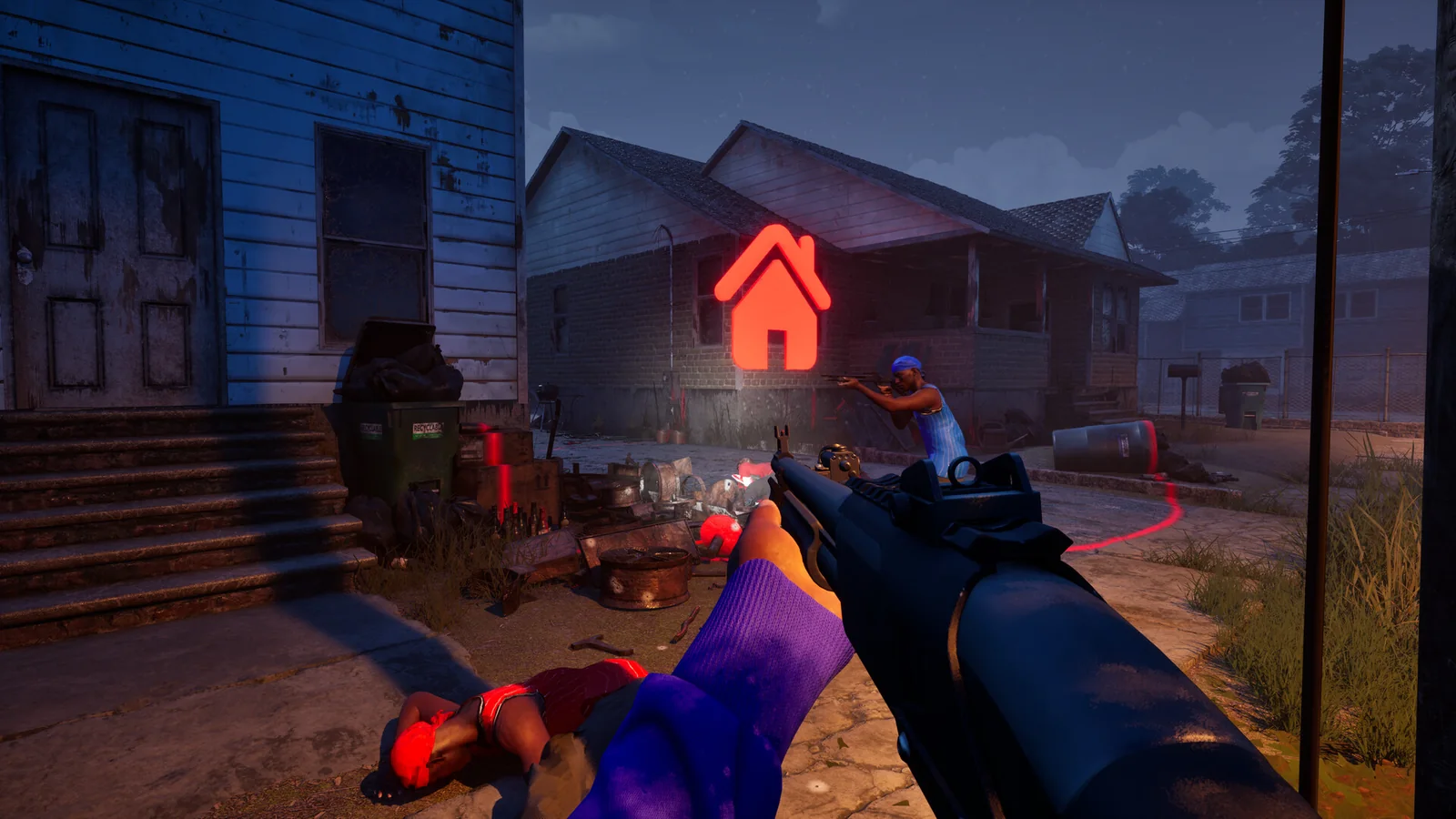
Official Steam screenshot / Trapstar Games. Practise reading the scene and objective information before committing to a route.
A useful first exercise is an outward route and a return route. If you reach an objective but have no idea how to leave it, repeat the approach with a different exit in mind. Our bots and private-match guide separates practice sessions from password-protected games with friends.
Read what actually scores points
Do not assume every playlist rewards eliminations in the same way. GangBang is a team shootout, while Chaos is free-for-all. Turf War rewards territory. Hit A Lick asks you to bring the enemy bag home. Chain Snatch requires collecting enemy chains and recovering friendly ones. Destroy The Block is a plant-or-defuse mode with one life per round.
Pick one of those rules and judge your next match by it. For example, reaching a useful defensive position can matter more than following an enemy away from the bag. The six-mode reference gives the complete objective comparison.
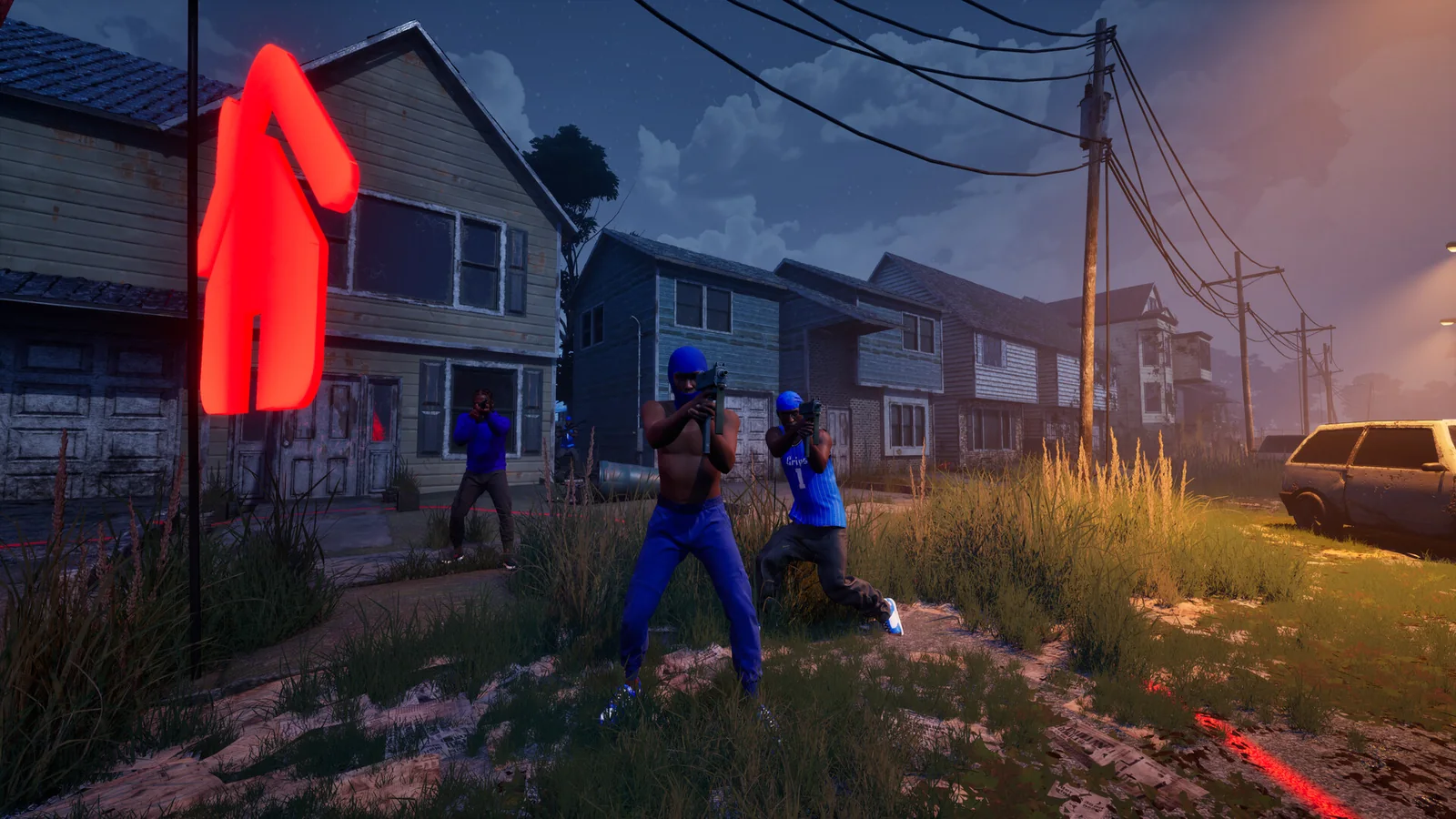
Official Steam screenshot / Trapstar Games. Use practice time to notice cover, teammates and the places where a route becomes exposed.
Keep your first loadout repeatable
Use an unlocked weapon you can aim comfortably, then change one part at a time. If you swap the gun, sight, magazine and grip after every death, you lose the baseline needed to compare them. We do not have verified damage or recoil tables, so there is no evidence-backed universal best gun to prescribe here.
The official progression system distinguishes three rewards:
| Action | Officially described reward |
|---|---|
| Play matches and gain player levels | More weapons and equipment |
| Complete weapon challenges | Attachments |
| Get kills with a particular gun | Skins for that gun |
Check the requirement displayed for the weapon you are actually using. A cosmetic kill goal and an attachment challenge are not interchangeable. The loadout guide explains how to make a controlled comparison without relying on invented rankings.
Set voice and inputs before you queue
Steam lists full controller support on PC. For voice, the developer’s voice-chat patch confirms T as the default push-to-talk key, with team or lobby chat and an open-mic option in settings. Confirm the audience before speaking. See controls and voice chat for the documented settings checks.

Official Steam screenshot / Trapstar Games. Compare how clearly you can read a sightline using your own comfortable input settings.
After the match, choose one thing to repeat and one thing to change. A route you can remember, a scoring rule you understand and a setup you can compare form a useful starting point. You can expand from there without turning every session into a completely different experiment.
Related Articles
guides
Hood Warfare 2 Bots & Private Matches: Play With Friends
Learn what Hood Warfare 2 confirms about bot matches and password-only private lobbies, plus a practical checklist for hosting friends.
guides
Hood Warfare 2 Player Count: Steam Numbers and Peak
Read Hood Warfare 2 player-count sources, a timestamped Steam sample and the SteamDB peak, with clear limits on what concurrency tells you.
modes
Hood Warfare 2 Game Modes: All Six Objectives Explained
Learn the six Hood Warfare 2 game modes, including territory control, bag captures, chain pickups and one-life bomb rounds.
Was this helpful?
Thanks for the feedback!