
Hood Warfare 2 Player Count: Steam Numbers and Peak
Read Hood Warfare 2 player-count sources, a timestamped Steam sample and the SteamDB peak, with clear limits on what concurrency tells you.
FAQ
Where can I check the current Hood Warfare 2 player count?
Does the count tell me how many people own the game?
What was the checked all-time peak?
Where should you check the player count?
Use the Steam current-player endpoint for a new point-in-time reading and SteamDB charts for recorded history. Both use Steam app ID 5155360, so check that identifier when comparing the sequel with other games.
This article is a static reference. It does not refresh a number in the background or claim to show live matchmaking conditions.
| Observation | Value | Time / attribution |
|---|---|---|
| Steam current-player sample | 3,266 | October 15, 2026, 16:00:44 UTC; October 16, 00:00:44 in Asia/Shanghai |
| Recorded all-time Steam peak | 15,258 | October 14, 2026, as reported by SteamDB in the page checked for this guide |
The first row is an archived sample. The second is a third-party historical record and can be superseded. Follow the source links for newer values rather than treating either row as a forecast.

Official Steam screenshot / Trapstar Games. Gameplay illustration, separate from the timestamped population sources above.
What does concurrent player count measure?
It counts Steam players in the game at a particular moment. It does not tell you how many copies were sold, how many people played during the day or how many users will be online when your group starts later.
The public count also does not split players by region, ping, selected mode or private versus public sessions. We do not have a verified breakdown for those categories. A worldwide count is useful context, but it cannot promise that your preferred mode has a nearby joinable lobby.
For the confirmed release and platform limits, see platforms and crossplay. Do not add an invented console audience to a Steam-only measurement.

Official Steam screenshot / Trapstar Games. A pictured character or session does not establish the number of concurrent users.
Why can a lobby list feel quieter than a chart?
A chart answers “How many Steam users are in the game?” Your join screen answers a narrower question about the sessions available to you. A password-protected game is different from a room you can enter, and a session may use a different mode from the one you want.
Those are reasons to inspect the actual lobby details, not a measurement of where every counted player is. The developer also addressed inaccurate join-screen ping display in patch 1.0.10. Keep the game updated before drawing conclusions from an older screen recording.
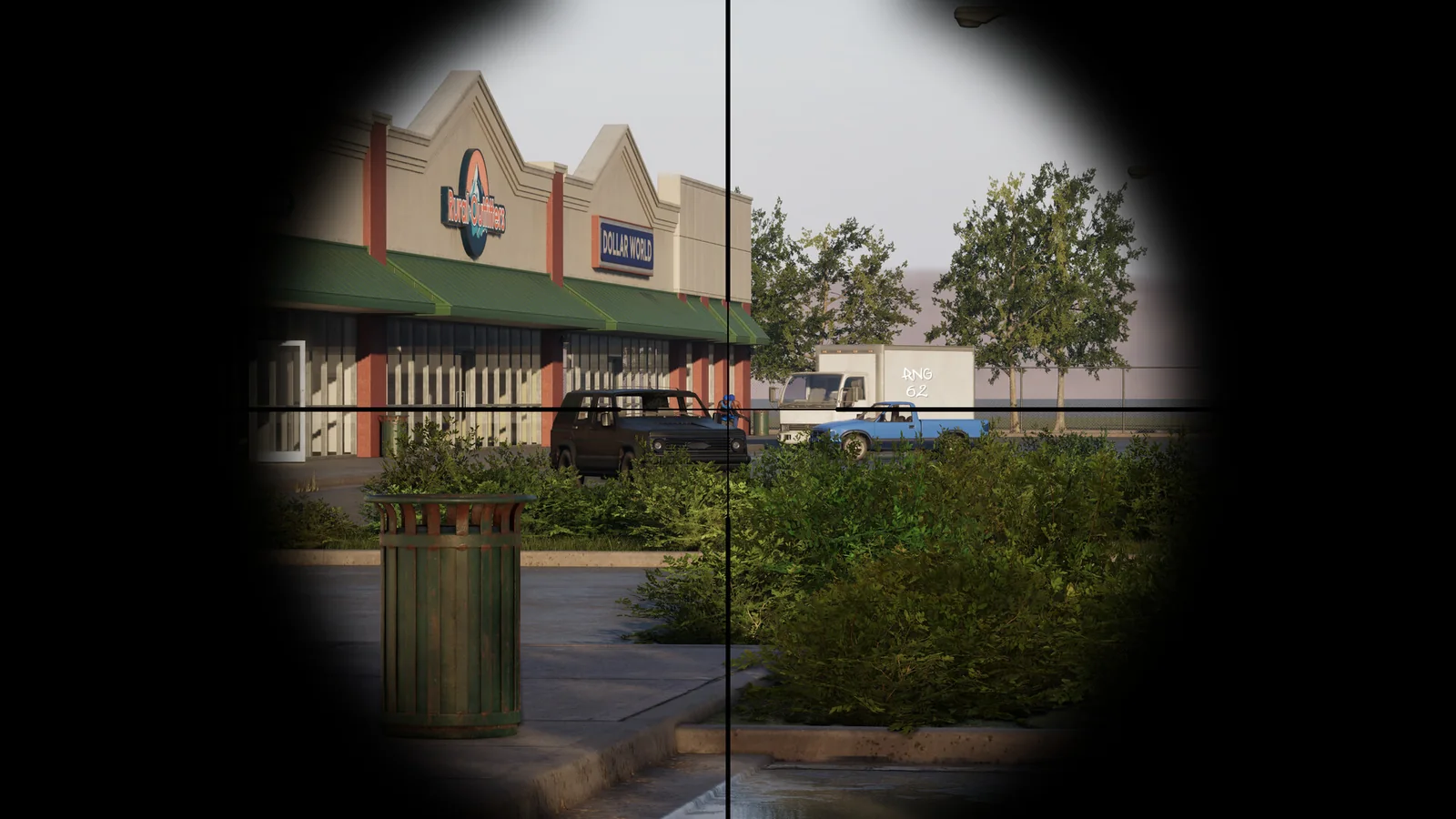
Official Steam screenshot / Trapstar Games. Session availability is something to check in the game, alongside the external population measurements.
How should you use the numbers?
If you are deciding when to play, compare readings near the hours you normally have available. Record the source, time and timezone so two samples are meaningfully comparable. Do not label one smaller reading a permanent decline or one spike a guaranteed long-term population.
If you already own the game, check the mode objectives and the available sessions before changing your plans. You can also use the confirmed bot and private-match features for a practice session. Joining failures belong in the fixes checklist, not in an unsupported claim that a worldwide count must be false.
Related Articles
guides
Hood Warfare 2 Killstreaks: Names, Kills & Loadout Slots
Check the four Hood Warfare 2 killstreaks shown in launch-week gameplay, their kill requirements, three loadout slots and the dated evidence behind this list.
modes
Hood Warfare 2 Hit A Lick: Bag Capture Guide (2026)
Learn Hood Warfare 2 Hit A Lick with five gameplay frames: find the enemy bag, confirm Bag Taken, return to your hood and check Bag Captured. Follow the run.
guides
Hood Warfare 2 Beginner Guide: Tips for Your First Match
Start Hood Warfare 2 with a bot practice plan, the right mode objective, sensible loadout checks and the confirmed voice-chat key.
Was this helpful?
Thanks for the feedback!