
Hood Warfare 2 Bots & Private Matches: Play With Friends
Play Hood Warfare 2 with friends: compare party invites, password-only private lobbies and custom bot matches. Check the patch and prepare your session.
FAQ
Does Hood Warfare 2 have bots?
Can I make a private match with friends?
Do bot matches work offline or award normal XP?
Can you play against bots or host a private lobby?
Yes, with two separately documented features. The Steam store confirms custom matches where you choose the map, mode and settings, then add bots to fill teams. The developer’s patch 1.0.1.4 announcement confirms password-only private lobbies for friends.
A custom match describes the settings you control. A private lobby describes who can join. Do not assume that a room is private simply because you created it or added bots: use the password-only option available in your current build when that is your goal.
Party or private lobby: which should friends use?
Patch 1.0.1.7, published October 16, 2026 UTC, adds PARTY Mode: invite friends to a party, queue and join games together. This is the developer’s documented option for entering games as a group. It is separate from the password-only private-lobby feature.
Use a party when you want to queue together. Use a password-only lobby when you want to control access to a private session. The announcement does not specify a party-size cap, every invitation button or cross-platform support, so those details are not assumed here. Source checked October 17, 2026.
Check the update before gathering your group
The private-match announcement asks players to look at the version in the menu and fully exit Steam if the update has not arrived. Check that before troubleshooting a missing private-lobby feature. Give everyone time to finish downloading and restart the game before you host.
A simple preparation list keeps the session focused:
- Confirm the host and guests have installed the available Steam update.
- Agree on a map and mode before creating the session.
- Use the private password-only lobby option for the friend session.
- Share the password directly with the intended players.
- Check the lobby details and settings before starting.
This is a hosting checklist, not a transcription of every current menu button. The developer has not documented every join-screen label in the sources checked. If something differs, follow the current in-game menu rather than a guessed click sequence.
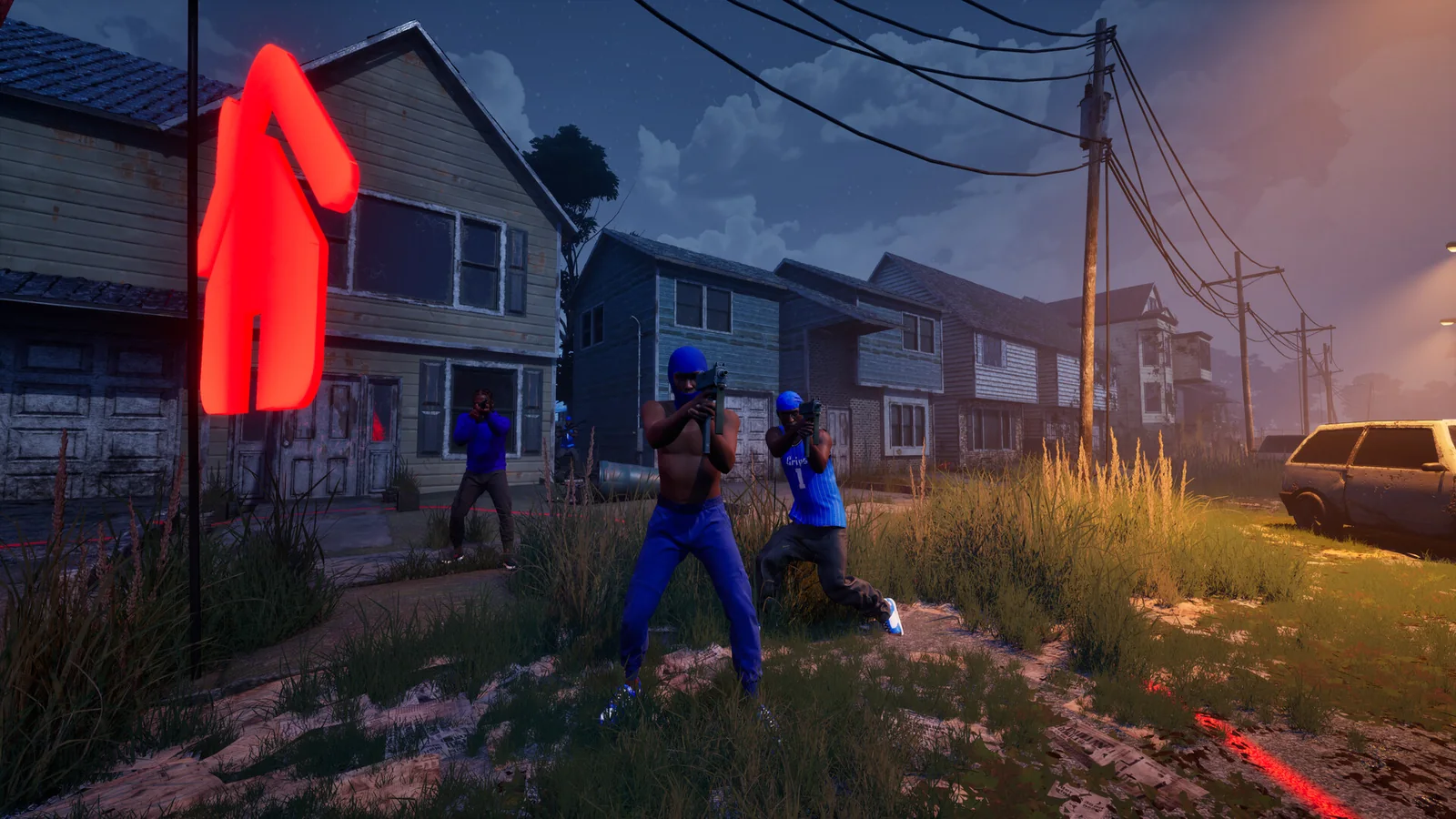
Official Steam screenshot / Trapstar Games. Agreeing on a shared practice goal helps a group use its match time well; this image does not show lobby settings.
Use bots for one question at a time
Choose a question you can answer in a short session. For map learning, repeat an approach and an exit. For a weapon comparison, keep the route and distance similar while changing one attachment. For mode learning, focus on the scoring objective instead of a personal kill target.
Use our beginner practice plan if the whole group is new. If only one person needs to learn a route, the map guide provides a worksheet that does not depend on invented spawn callouts.
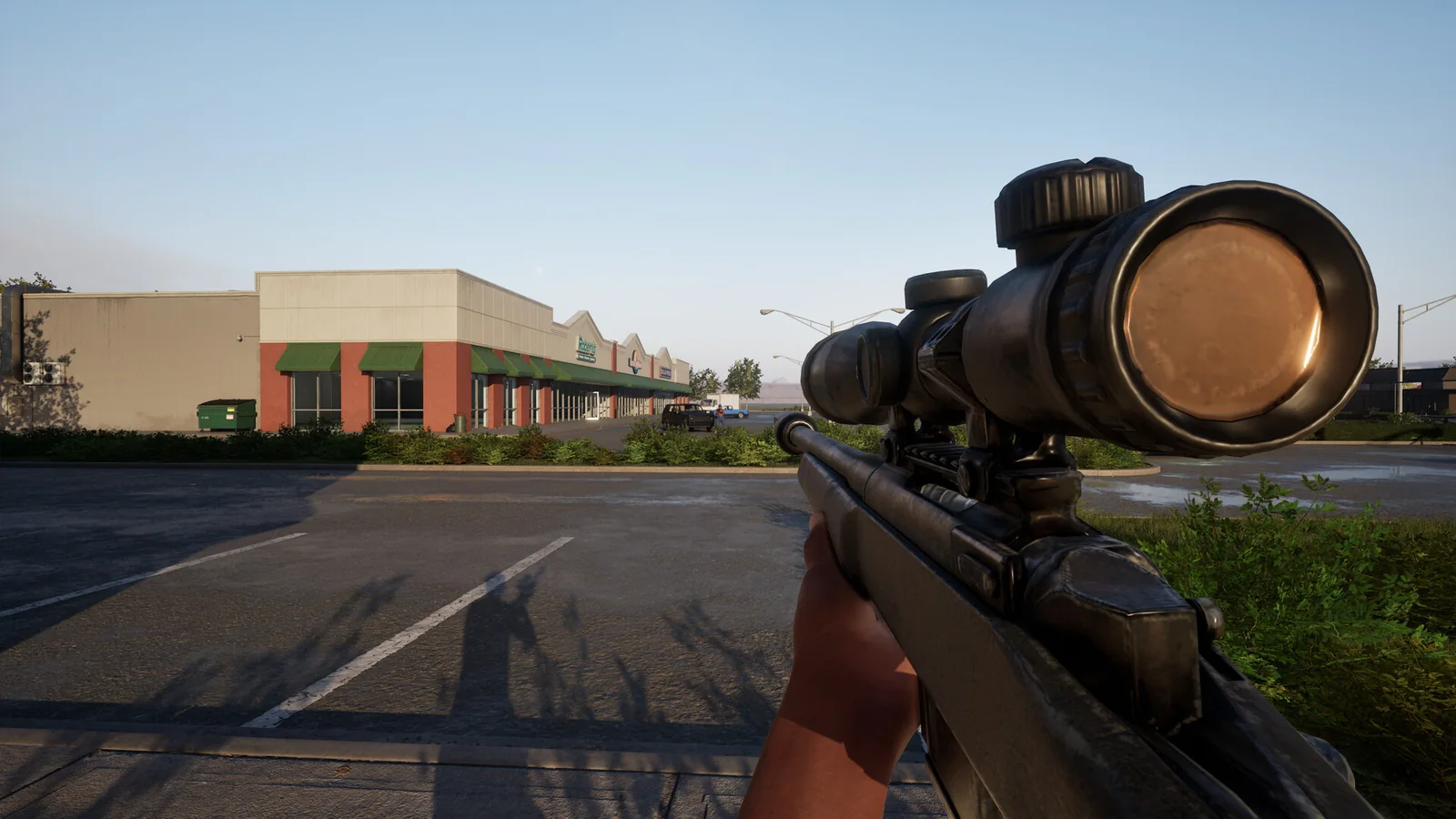
Official Steam screenshot / Trapstar Games. A repeatable sightline is a useful comparison exercise; it is not proof of bot behavior or a weapon statistic.
For a group exercise, take turns describing what made an approach awkward. It may be the route, the objective or your visibility rather than the gun itself. Change the exercise only after everyone can explain what they were trying to learn.
Choose a mode that fits the session
The game has six officially named playlists with different objectives. GangBang is team elimination; Chaos is individual elimination. Turf War scores held territory. Hit A Lick revolves around stealing and returning a bag. Chain Snatch requires collecting drops, while Destroy The Block is a one-life bomb mode.
Use the mode reference to agree on the rule before you begin. A group that wants to practise bag returns needs a different exercise from one testing a team-shootout route.

Official Steam screenshot / Trapstar Games. Objective practice can focus on a return route and friendly support rather than eliminations alone.
Set voice, then check joining problems
The developer confirms team or lobby voice chat, with T as default push to talk and an open-mic option in settings. Review the voice-chat checks with your group so everyone knows which audience can hear them.
If someone cannot join, note the exact error, installed version and whether the problem affects every guest or just one. Patch 1.0.1.4 addresses joining issues and false anti-cheat kicks, but it does not promise every connection failure is solved. The fixes guide keeps those documented changes separate from assumptions about your network.
Related Articles
guides
Hood Warfare 2 Killstreaks: Names, Kills & Loadout Slots
Check the four Hood Warfare 2 killstreaks shown in launch-week gameplay, their kill requirements, three loadout slots and the dated evidence behind this list.
modes
Hood Warfare 2 Hit A Lick: Bag Capture Guide (2026)
Learn Hood Warfare 2 Hit A Lick with five gameplay frames: find the enemy bag, confirm Bag Taken, return to your hood and check Bag Captured. Follow the run.
guides
Hood Warfare 2 Beginner Guide: Tips for Your First Match
Start Hood Warfare 2 with a bot practice plan, the right mode objective, sensible loadout checks and the confirmed voice-chat key.
Was this helpful?
Thanks for the feedback!