
Hood Warfare 2 Fixes: Audio, Anti-Cheat & Patch Notes
Check Hood Warfare 2 patch 1.0.1.7 and documented fixes for missing sound, false anti-cheat kicks and joining issues. Match your symptom to official advice.
FAQ
What is the documented no-sound fix?
What should I do about false anti-cheat kicks?
How do I get the update if it is missing?
What should you check first?
Check the installed game version and the latest developer announcements on Steam. The most recent announcement reviewed for this guide is 1.0.1.7, published October 16, 2026 UTC. It adds PARTY Mode for inviting friends and joining games together, and lists crash, connectivity, map and audio fixes without detailed repair steps. Keep the exact patch labels: do not silently rewrite 1.0.1.4 to 1.0.14 or assume a predictable version scheme.
The 1.0.1.7 announcement establishes the new party feature. It does not establish that every connection or audio problem is resolved. Use the friends and private-match guide to distinguish parties from password-only rooms.
The 1.0.1.4 announcement asks players to look at the menu version and fully exit Steam if necessary to receive the update. A patch note describes a developer change; it is not a guarantee that every similar symptom has disappeared on every machine.
Which documented check matches your symptom?
| Symptom or goal | What the developer documented | First check |
|---|---|---|
| Queue with friends | PARTY Mode added in 1.0.1.7 | Invite friends to a party and join games together; this is separate from a private room |
| Crash, connectivity, map or audio issue | General fixes listed in 1.0.1.7 | Update first; the note does not provide a symptom-specific repair procedure |
| No game audio | Audio issue addressed in 1.0.1.4 | Select an audio output device in settings |
| False anti-cheat kick | False kicks addressed in 1.0.1.4 | Install the available update and record any remaining error |
| Private room for friends | Password-only lobbies added in 1.0.1.4 | Check the update, then the current lobby options |
| Joining problem or crash | Various joining issues and crashes addressed in 1.0.1.4 | Update and note the exact failure step |
| Loadout preset not saving | Addressed in 1.0.10 | Update, select the intended preset and check whether it remains selected |
| Voice-chat setup | Added in 1.0.10 | Check T push to talk, audience and open-mic preference |
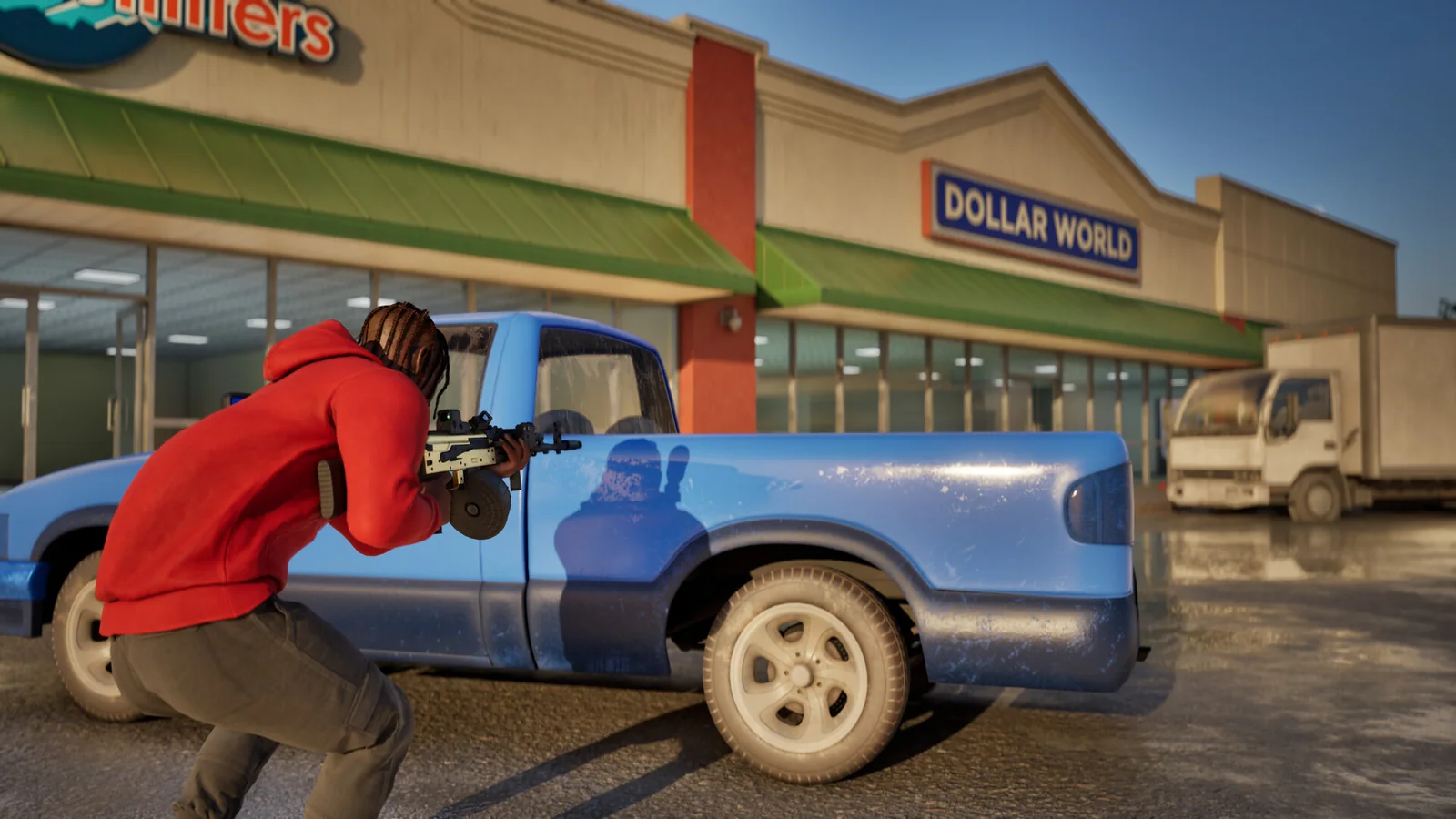
Official Steam screenshot / Trapstar Games. Gameplay illustration; the symptom checks above are sourced to developer patch notes.
No sound: select the output device
Use the specific check from the developer: go to settings and select an audio output device. Keep the distinction between game output and microphone input. If game audio works but nobody hears your voice, describe that as a voice-input problem rather than reporting that all sound is missing.
The controls and voice guide covers the confirmed push-to-talk default and team-versus-lobby settings. It does not invent a microphone repair procedure that the developer has not published.
Official Steam screenshot / Trapstar Games. This scene does not show an audio-settings screen or establish that a particular device issue is fixed.
Missing update or repeated joining failure
The developer explicitly suggests Steam → Exit Steam if the update is not arriving. That is a full Steam exit, rather than merely closing the game. Reopen Steam and check the available update before trying the session again.
If a joining error persists, note the exact message, game version and whether it occurs in every session or one friend’s lobby. For a friend session, also check the intended lobby and password using the private-match checklist. Do not publish the password in a public bug report.
What changed in the earlier voice and spawn patch?
The October 12 UTC announcement for 1.0.10 added voice chat and anti-cheat, introduced spawn adjustments and protection, and described fixes for loadout saving, progression display, player selection and inaccurate join-screen ping. It also mentioned adjustments to drive-by locations.
The developer notes that small maps such as Supermarket can still produce short fights. Use the map guide to separate that observation from an invented promise that spawn changes eliminate every quick death.
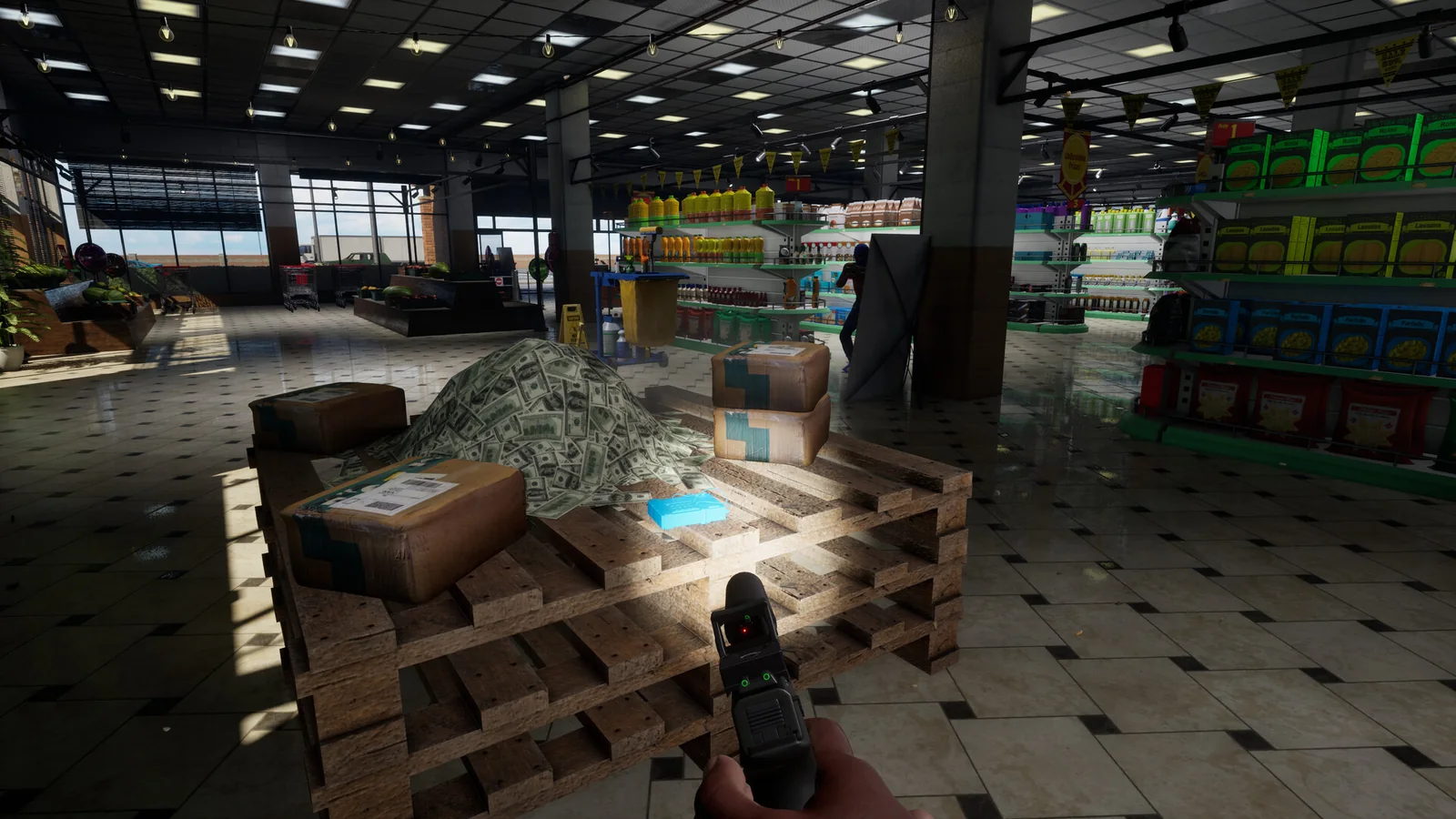
Official Steam screenshot / Trapstar Games. The developer names Supermarket in the spawn update; this unlabelled image is not used to assign a map name.
How should you report an unresolved problem?
Write down the installed version, exact error, the action immediately before it and whether it repeats. For a performance or startup issue, compare your computer with the official requirements. For suspected cheating, the developer’s 1.0.10 note points to Report in the pause menu.
This guide does not recommend disabling anti-cheat, downloading unofficial fixes or making registry changes. Follow new developer announcements when they appear; the fixes above are the documented checks reviewed on October 17, 2026.
Related Articles
guides
Hood Warfare 2 Graphics Settings: FPS and Clarity (2026)
Find Hood Warfare 2 graphics settings, the FPS counter, resolution scale and display confirmation. Use the illustrated menu guide to compare changes on your PC.
guides
Hood Warfare 2 Killstreaks: Names, Kills & Loadout Slots
Check the four Hood Warfare 2 killstreaks shown in launch-week gameplay, their kill requirements, three loadout slots and the dated evidence behind this list.
guides
Hood Warfare 2 Beginner Guide: Tips for Your First Match
Start Hood Warfare 2 with a bot practice plan, the right mode objective, sensible loadout checks and the confirmed voice-chat key.
Was this helpful?
Thanks for the feedback!