
Hood Warfare 2 Best Loadout: Attachments & Unlock Tips
Build a Hood Warfare 2 loadout around your aim, unlocked attachments and match objective, without relying on unverified gun rankings.
FAQ
What is the best gun in Hood Warfare 2?
How do I unlock attachments?
Do weapon kills unlock attachments or skins?
What makes a useful first loadout?
Choose a weapon you can keep on target, then make its setup repeatable. That is a more useful starting point than treating an untested tier list as a damage table. The official Steam description confirms weapon customization, perks and equipment, but it does not give the numerical information needed to prove one setup wins at every range.
This guide offers a comparison method. It does not claim that we have tested every gun or measured recoil, time to kill, magazine penalties or suppressor effects. When a menu gives you a challenge or description, use that current in-game information before a generic recommendation.
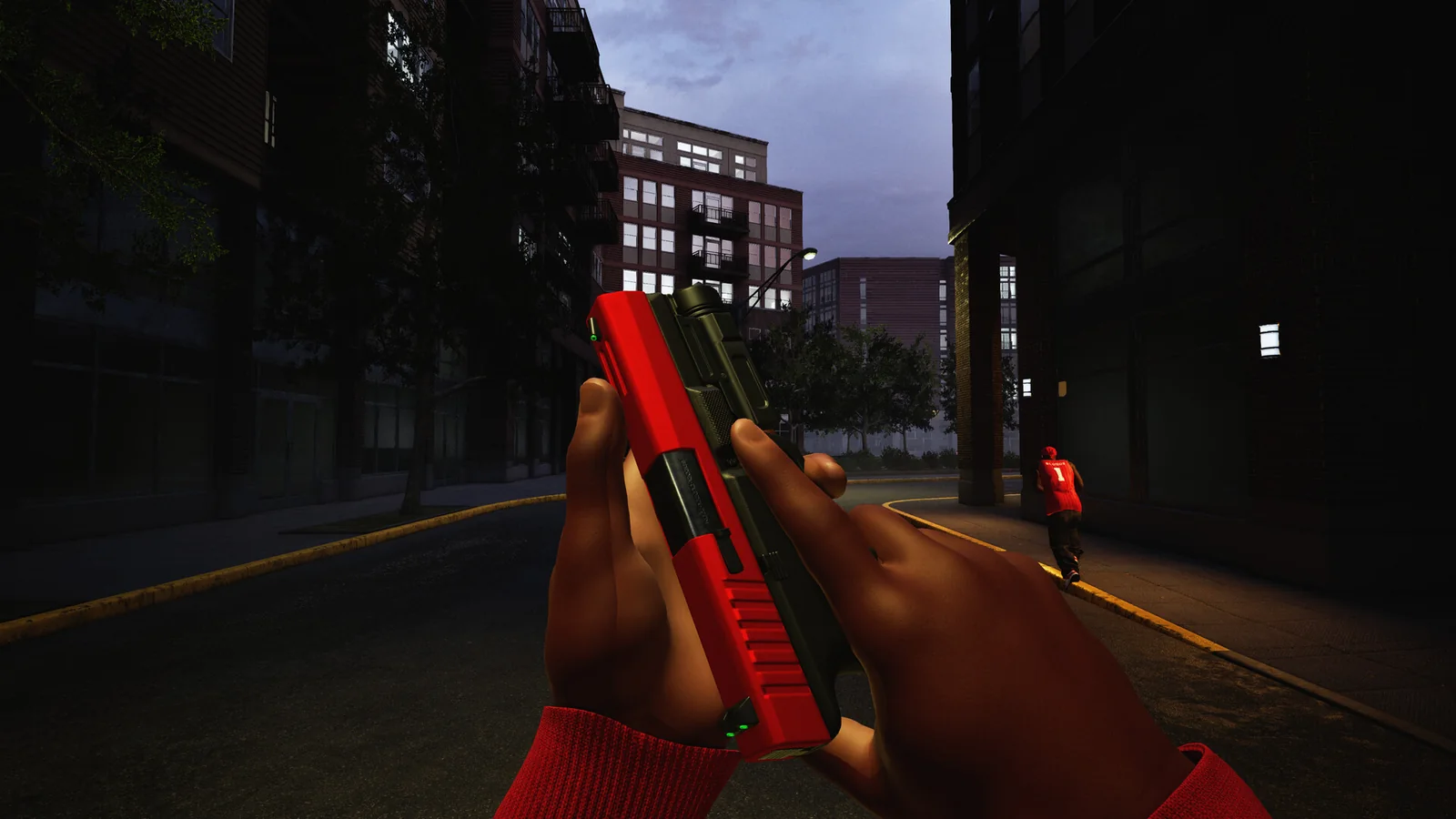
Official Steam screenshot / Trapstar Games. This shows a weapon view, not a verified weapon ranking or damage result.
Start with a baseline you can repeat
Pick one available gun and keep the same configuration for a short practice session. Use the same route and a similar engagement distance. Notice the specific problem: difficulty finding a target through the sight, losing the target while firing, or needing to reload at a bad time.
Write that problem down before you change anything. “This setup feels bad” gives you little to compare. “I lose track of the target when I fire across this lane” gives you an experiment to repeat in a bot match.
Your initial checklist can stay short:
- Read the current weapon and challenge information.
- Keep a record of the starting attachment choices.
- Choose one practice route and one distance.
- Change one option, then repeat the same exercise.
- Keep the change only if it solves the problem you identified.
What can you customize?
The store explicitly names sights, magazines, grips and suppressors, along with other attachments. It also confirms that you set perks and equipment before the match. Availability can depend on your progress and the gun, so inspect the actual choices instead of assuming every weapon accepts every part.
| Choice | Useful question for your comparison |
|---|---|
| Sight | Can I locate and follow the target comfortably? |
| Magazine option | What does its current description say, and does it fit my reload habits? |
| Grip option | Does the repeatable aiming exercise feel easier with this choice? |
| Suppressor option | What effects does the current game actually state? |
| Perk / equipment | Does this choice help the role I intend to play? |
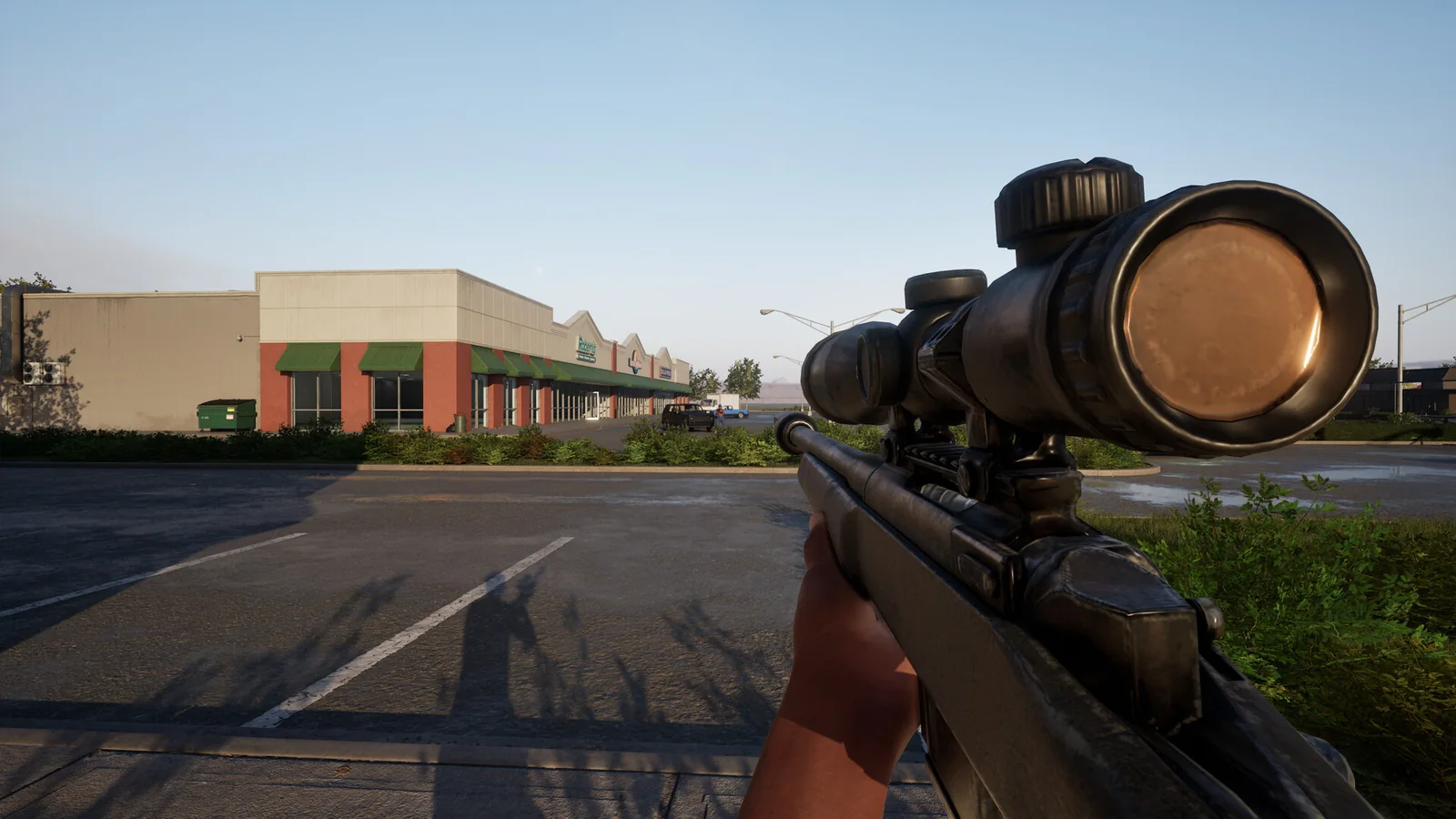
Official Steam screenshot / Trapstar Games. Use a consistent distance when comparing sight choices; a screenshot cannot establish their numerical effects.
Do not assume a suppressor removes you from radar or that a particular grip has a known recoil percentage. Those are specific mechanics that require current evidence.
Match the setup to the job
A loadout decision starts with the mode objective. A player protecting a bag route has a different immediate job from someone learning free-for-all. Choose the route and role first, then ask whether your setup helps you perform them.
Use map practice to find the distances you actually encounter. If every comparison takes place on a different map or along a different route, you cannot separate the effect of your attachment change from the effect of the situation.
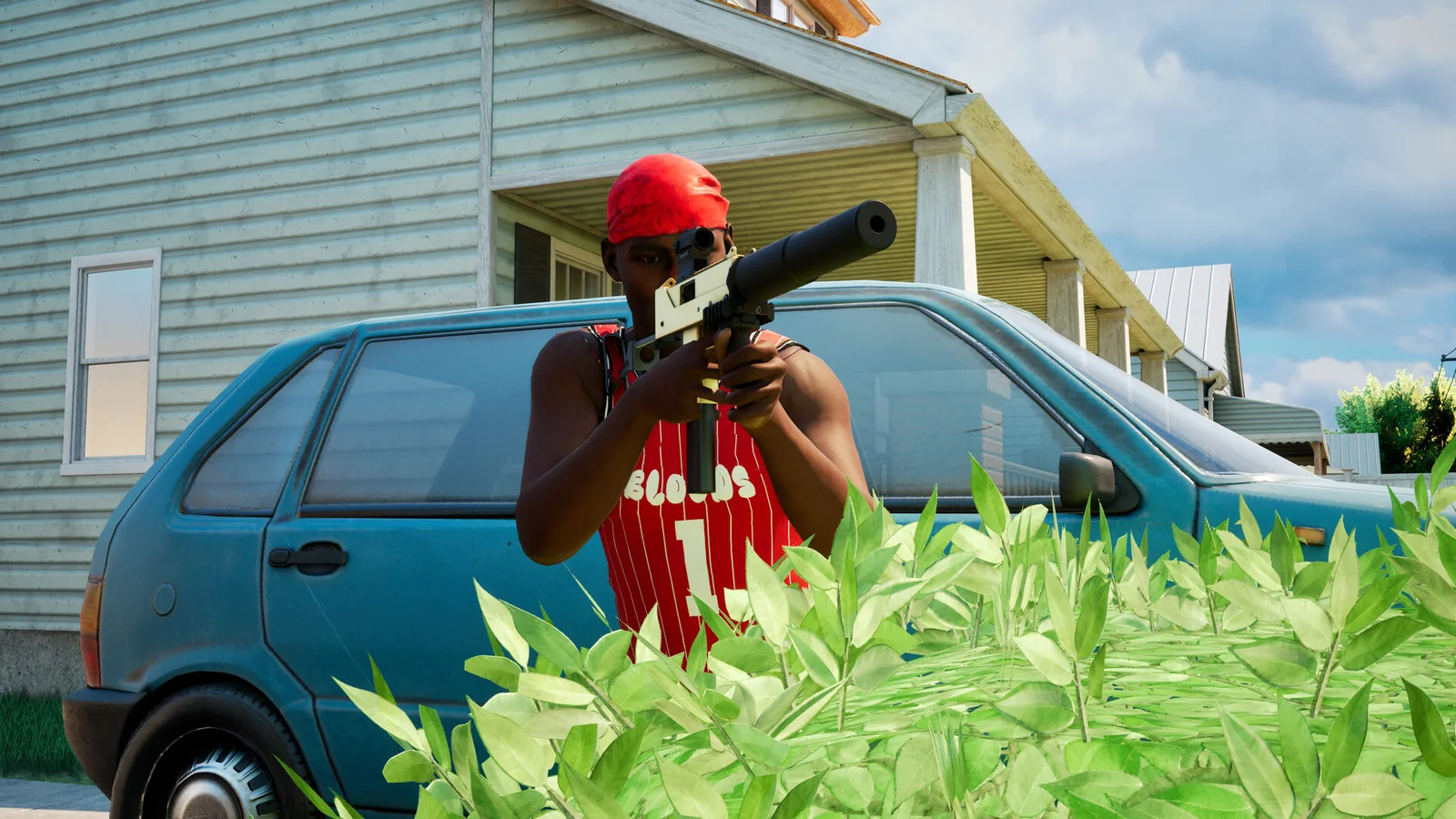
Official Steam screenshot / Trapstar Games. The visible suppressor illustrates customization; it does not prove a stealth bonus or a minimap rule.
Keep unlock goals separate
According to Steam, player levels unlock more weapons and equipment; weapon challenges unlock attachments; kills with each gun unlock skins. Check the track connected to your goal. A skin requirement is not automatically an attachment requirement, and a higher account level is not evidence that every attachment is available.
If a preset fails to remain selected, check the official fixes and updates. The developer addressed loadout-saving issues in patch 1.0.10. Keep a simple record of your baseline so you can tell whether the game saved the setup you intended to compare.
Related Articles
guides
Hood Warfare 2 Beginner Guide: Tips for Your First Match
Start Hood Warfare 2 with a bot practice plan, the right mode objective, sensible loadout checks and the confirmed voice-chat key.
guides
Hood Warfare 2 Bots & Private Matches: Play With Friends
Learn what Hood Warfare 2 confirms about bot matches and password-only private lobbies, plus a practical checklist for hosting friends.
guides
Hood Warfare 2 Controls: Voice Chat, T Key & Controllers
Find the confirmed Hood Warfare 2 push-to-talk key, team and lobby voice options, PC controller support and sensible input checks.
Was this helpful?
Thanks for the feedback!