
Hood Warfare 2 Killstreaks: Names, Kills & Loadout Slots
Check the four Hood Warfare 2 killstreaks shown in launch-week gameplay, their kill requirements, three loadout slots and the dated evidence behind this list.
FAQ
What killstreaks does the checked Hood Warfare 2 menu show?
How many killstreaks can you equip?
Are the 4, 5 and 6 under the slots their kill requirements?
Does this verify a nuke or Cluster Strike?
Which killstreaks are verified?
The Killstreak Selection menu in Legends6K’s launch-week gameplay at 2:07 shows these four entries. We inspected that menu and read the video’s full transcript on October 17, 2026. The footage predates subsequent updates, so use its requirements as a checked reference and compare them with your installed game.
| Killstreak | Menu requirement | Equipped slots shown |
|---|---|---|
| Snitch | 3 kills | Slot 1 in this recording |
| Homies | 5 kills | Slot 2 in this recording |
| Suicide Bomber | 7 kills | Slot 3 in this recording |
| Drive By | 9 kills | Available in the list; not equipped in this setup |
The list separates four available choices from three equipped slots. It also distinguishes killstreaks from the weapon, lethal-equipment and passive-ability menus the creator visits earlier. That is why this reference uses the visible killstreak screen rather than combining equipment names from different menus.
What does each option do?
Snitch
Snitch is the lowest requirement in the checked menu, at 3 kills. The creator describes it as the game’s UAV-style option at 2:02, then uses it during the match. The narration links it to finding opponents. We have not measured its duration, update interval or detection limits, so those details are not assigned numerical values here.
Homies
Homies is listed at 5 kills. The creator calls it during gameplay and discusses friendly characters arriving. The sequence around 12:55 includes the arrival discussion. This establishes a reinforcement-style role in the recording; it does not establish a fixed number of allies, their damage or a guaranteed lifetime.
Suicide Bomber
The menu names Suicide Bomber and labels it 7 kills. It appears in the creator’s third equipped slot. The selected-detail panel is not inspected clearly enough in this source to document its full behavior. Its name alone is insufficient evidence for a blast radius, damage value or targeting rule.
Drive By
Drive By is listed at 9 kills. At 2:20, the creator reads its menu description: a vehicle arrives with shooters, with a stated 45-second duration and a vehicle that can be destroyed. Treat 45 seconds as the description’s stated duration, not a promise that a destructible vehicle always survives that long.
The developer’s patch 1.0.10 announcement says Drive By locations changed on some maps. A launch-week recording therefore cannot establish every current arrival location. Use the map practice guide to learn the routes in your installed version.
How do the slots and keyboard prompts differ?
The recording reaches the selection screen through the Loadout tab’s Killstreaks entry. Three cards appear under Your Killstreaks, while the requirements appear separately under All Killstreaks.
In this recording, 4, 5 and 6 appear under the equipped slots. Those are keyboard prompts; they are not a second set of kill requirements. Check your current controls and selected input device before using them. Our controls and voice-chat guide keeps documented input information separate from assumptions about every default bind.
For a practice session, first confirm the three names you equipped, then identify their prompts in the match HUD. Keep the mode’s scoring objective in view: a personal streak target does not replace collecting chains, returning the bag or playing the bomb objective. Choose a repeatable weapon setup with the loadout comparison plan before trying to compare streaks.
Source scope and update checks
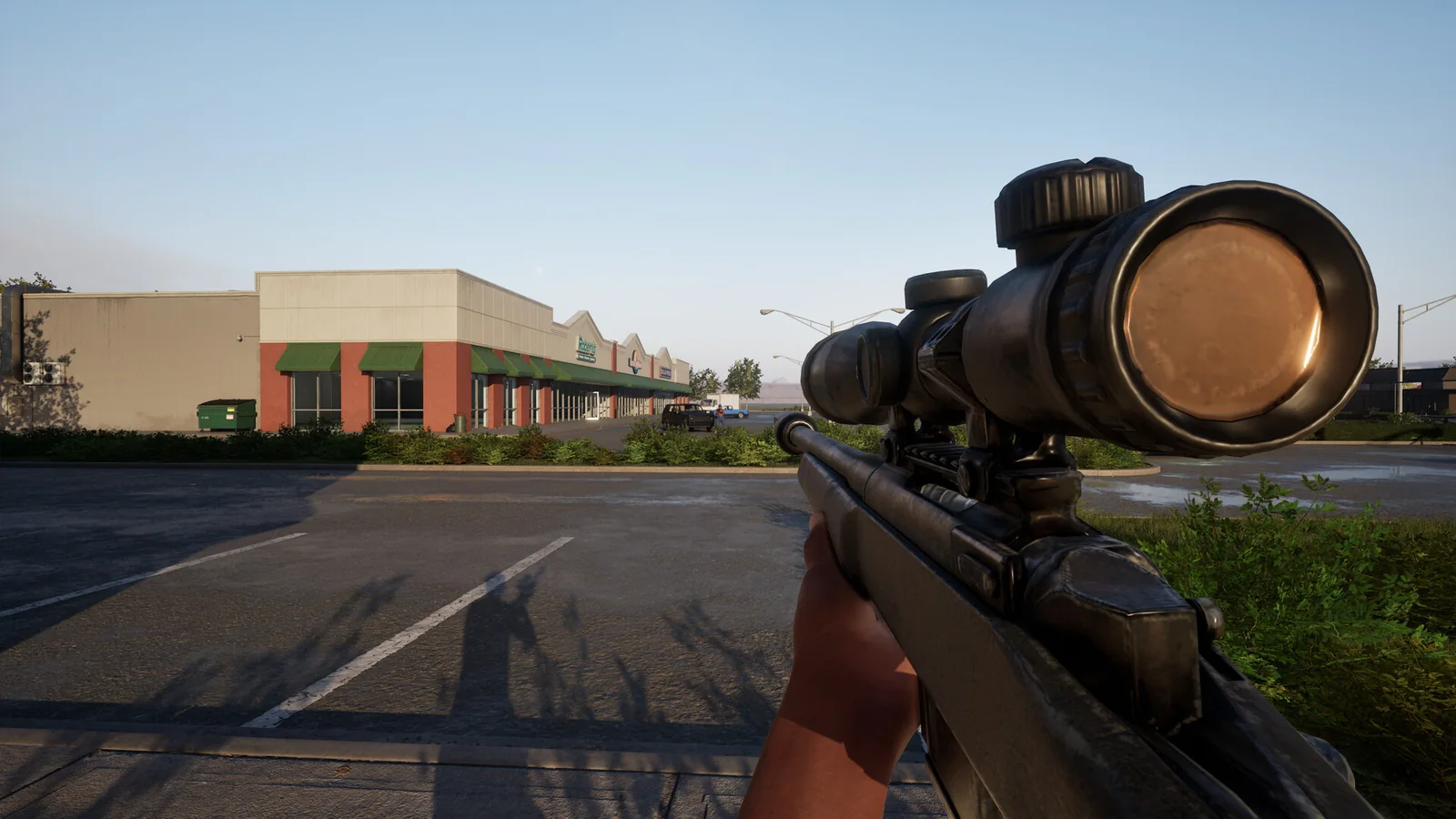
Official Steam gameplay image / Trapstar Games. This illustrates the game; the linked menu recording supplies the killstreak evidence.
Video source: Legends6K, “the New HOOD CALL OF DUTY is INSANE! (Hood Warfare 2)”. The menu supplies the names, requirements and slot layout; the creator’s narration supplies the attributed behavior descriptions. The source contains a face-camera overlay, so we link to it without republishing its frames.
The official news feed checked on October 17 also includes patch 1.0.1.7, which adds a party-invite system and lists general fixes. Its announcement does not publish a replacement killstreak table. Follow the patch and fixes reference when your menu differs. Details such as progression in bot games, streak-to-streak credit and behavior after death remain unverified by the evidence used here.
Related Articles
modes
Hood Warfare 2 Hit A Lick: Bag Capture Guide (2026)
Learn Hood Warfare 2 Hit A Lick with five gameplay frames: find the enemy bag, confirm Bag Taken, return to your hood and check Bag Captured. Follow the run.
guides
Hood Warfare 2 Beginner Guide: Tips for Your First Match
Start Hood Warfare 2 with a bot practice plan, the right mode objective, sensible loadout checks and the confirmed voice-chat key.
guides
Hood Warfare 2 Bots & Private Matches: Play With Friends
Play Hood Warfare 2 with friends: compare party invites, password-only private lobbies and custom bot matches. Check the patch and prepare your session.
Was this helpful?
Thanks for the feedback!